Skip to content

Java ProfilerLow-overhead Java profiling for Kubernetes incidents

Find the Java stack behind a Kubernetes performance problem with opt-in profiling, real async-profiler/JFR evidence, and a focused diagnosis UI.

Docs 中文文档 GitHub stars

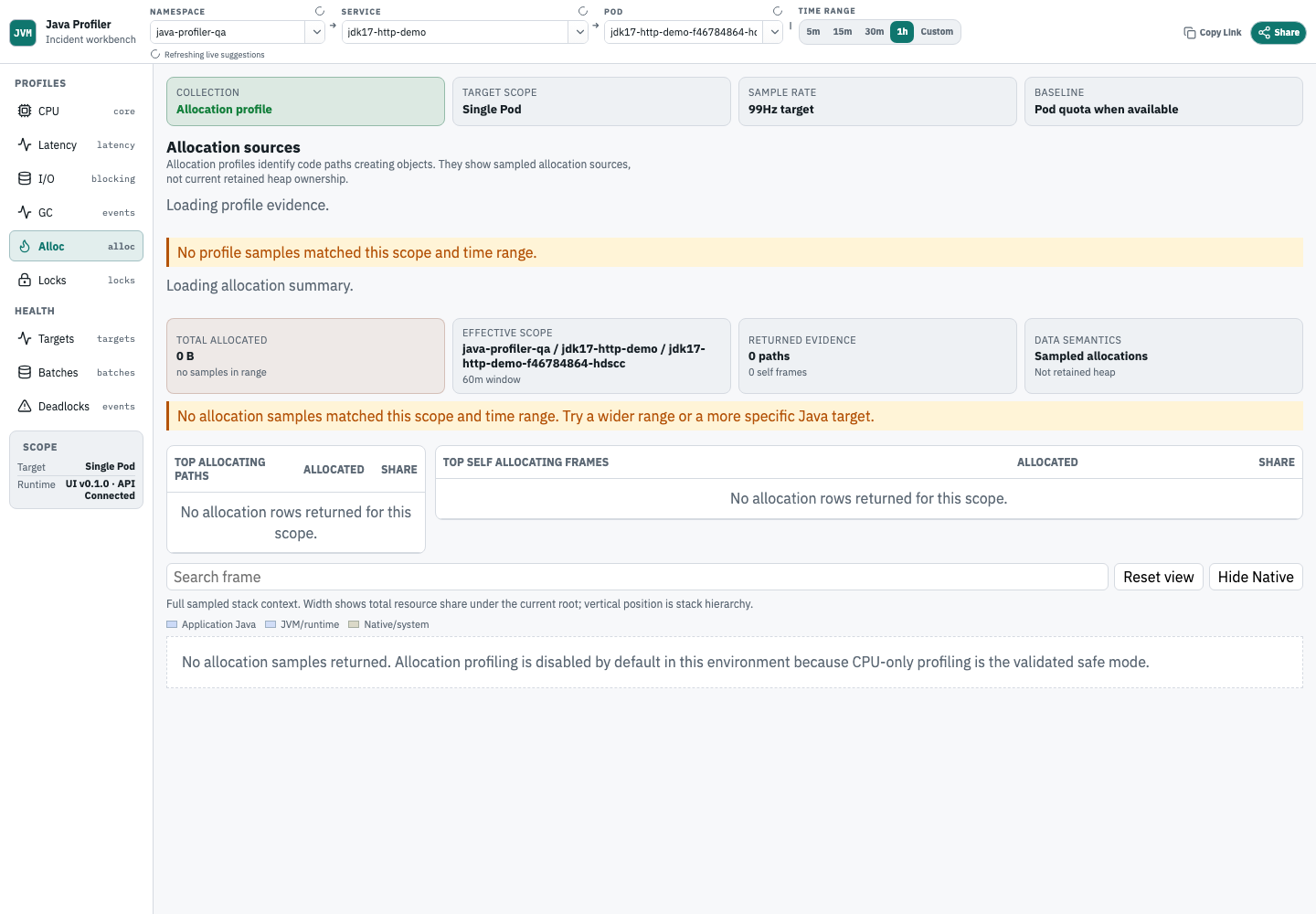
Real allocation profile analysis from the acceptance environment

Start here ​

  1. Open Quickstart and enable profiling with Kubernetes metadata.
  2. Open the target service and check status to confirm that the JVM was accepted.
  3. Start with cpu or memory, then move to wall, io, gc, locks, or ingestion as the incident requires.

If you own a service ​

  • Quickstart: enable profiling and read your first service profile.
  • Performance Analysis Manual: read CPU, Wall Clock, Java I/O wait, GC, allocation summary, lock, deadlock, target status, profile evidence guidance, and ingestion evidence.
  • Java Profiling Runbook: enable temporary or continuous profiling for a Kubernetes workload.

If you run the platform ​

If you are contributing ​

Language and evidence ​

  • Use the English / 简体中文 switch in the top bar to change languages.
  • The screenshots on this page come from a real acceptance environment. The allocation screenshot shows the current Allocation Summary and flamegraph workflow; it is not mocked UI state.

Local preview ​

Run these commands from the repository root:

bash
cd docs
npm install
npm run docs:dev

Build the publishable static site:

bash
cd docs
npm run docs:build

Java services on Kubernetes. HotSpot first. async-profiler first.